Yesterday, I found an excellent terminal for teenagers called “fish”, however, it does not support several features of bash. Therefore, I decide to setup iterm2 + zsh for my convenience.
The original terminal on the mac is difficult to use.
- No auto complete
- No fancy theme support
- No syntax highlighting
But the iterm2 + zsh can solve all the above problems.
This is my original terminal.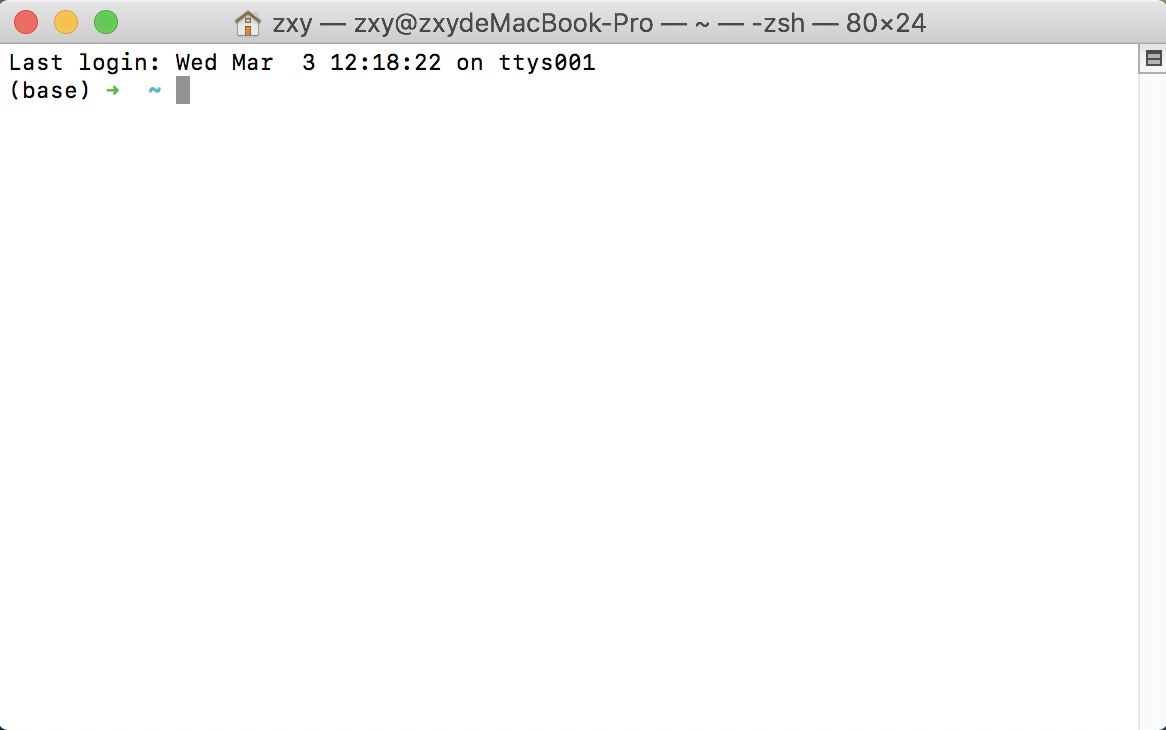
And after replacing the terminal of macos with iterm2, and installing zsh according to the following blog.
I change the theme and also the background color. Current item2 looks like this.
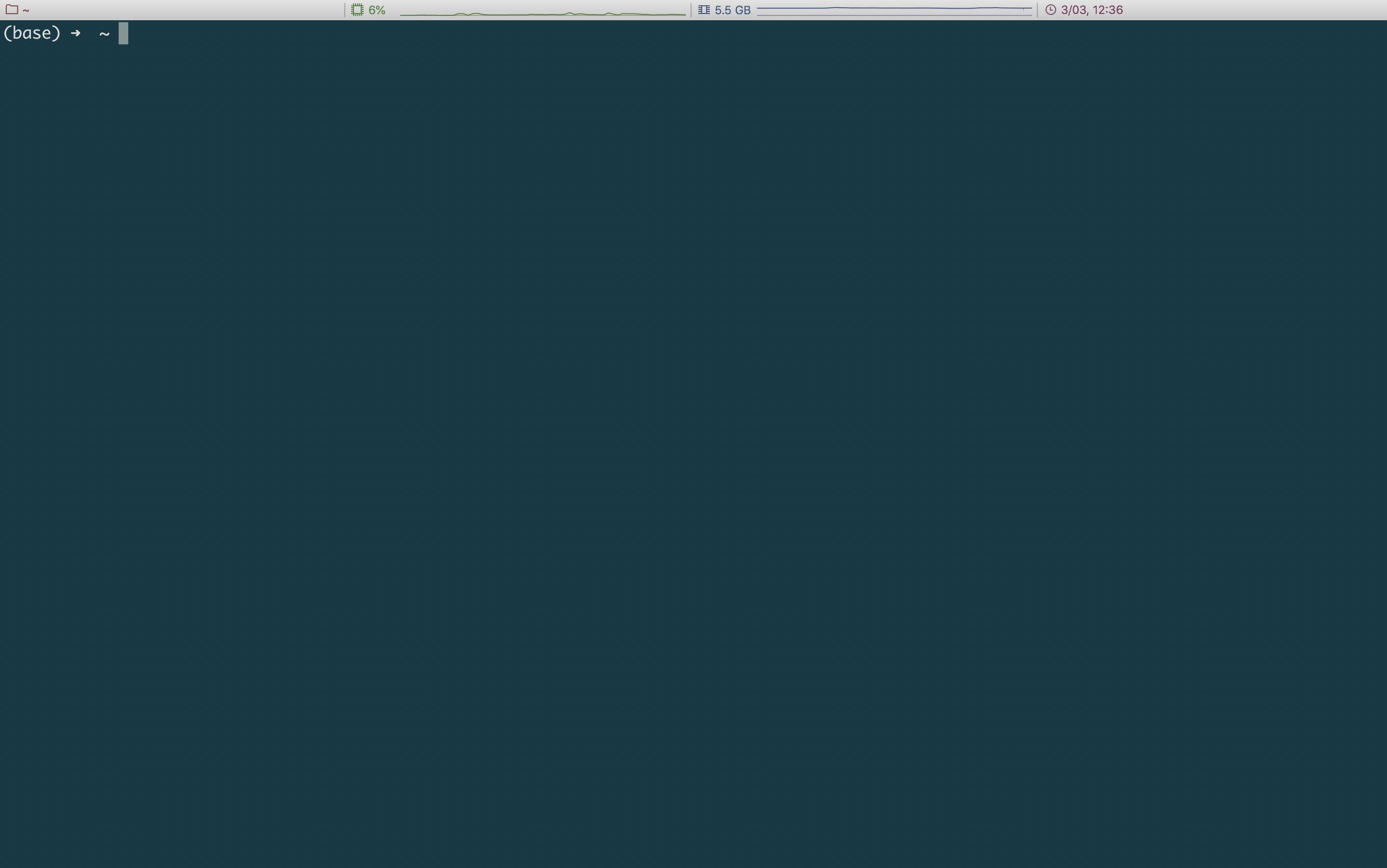
The plugins that I selected:
1 | plugins=(git zsh-syntax-highlighting zsh-autosuggestions) |
With the help of autosuggestions, when you type in some characters in the terminal, zsh will automatically fill in the command.
You can simply press “=>” to ensure the current command. Different types will be highlighted with various color.

Although I install iterm2 + zsh about one year ago, how stupid I am that I did not find out the proper way to use it!
Now, after experiencing it for a quite short period of time, I found out that every operation on the terminal is so smooth!
Ohhhhh!